Project 1: Setup
You will need to set up Lovable or Purple UW for this project. Choose one below:
Lovable
Set up Lovable
- Get your Lovable pro plan code from the course staff.
- Create an account on https://lovable.dev/
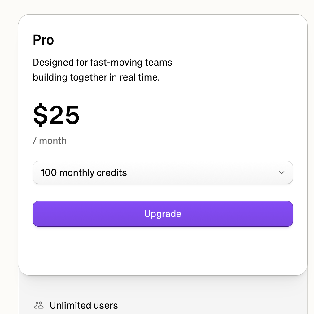
- Go to https://lovable.dev/pricing and select Pro, 100 monthly credits. You will need to provide credit card information, but will not get charged.
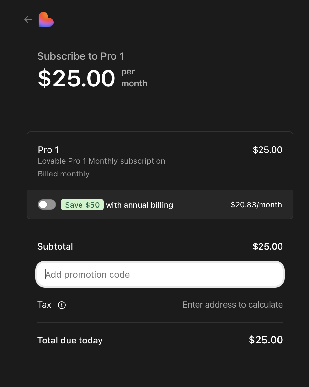
- In the purchase screen, paste your course code under Add promotion code.
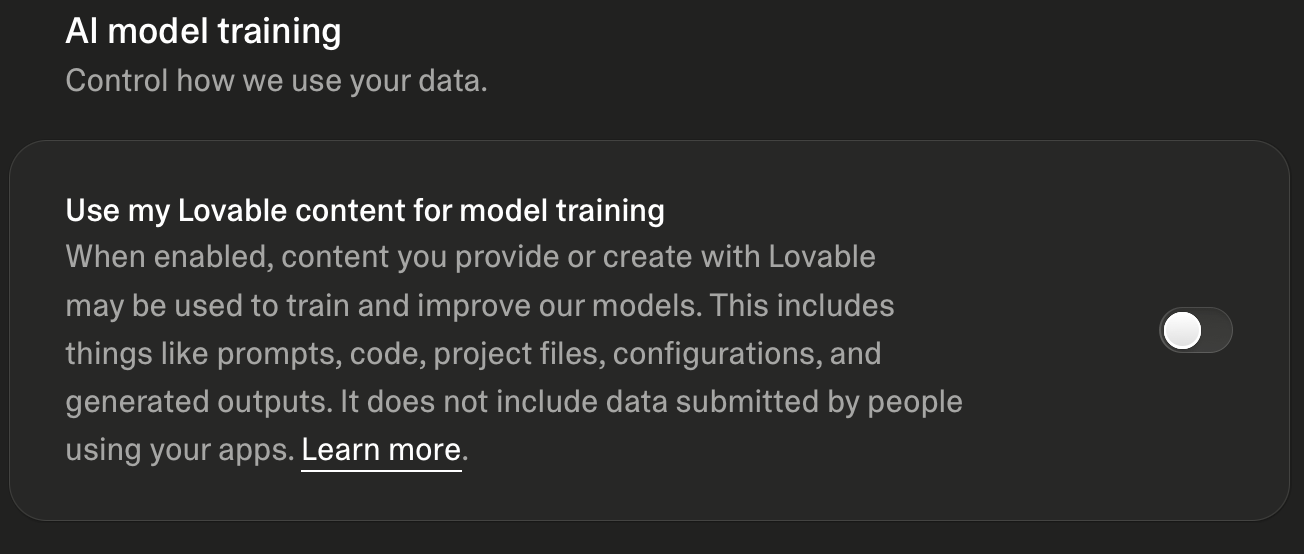
- Settings/{Your account}/AI Model Training/Use my Lovable content for model training (turn it off)
Purple UW
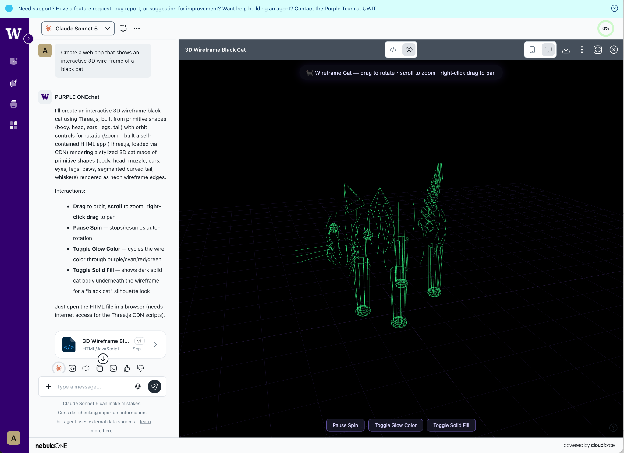
Use Purple
- Open https://purple.uw.edu/ and sign in using your UW credentials.
- On the top left, you can select the model you want to use. For this assignment, any model is fine; just say which one you used.
- Because Purple is not optimized for web app development, you should specify what you’re building. Start your prompt with ‘Create a web app…’.
- Purple then opens an interactive code viewer. When you are finished, download the file by clicking the download button.
- You can track your context window through the percentage on the top right corner.